

Status at a glance
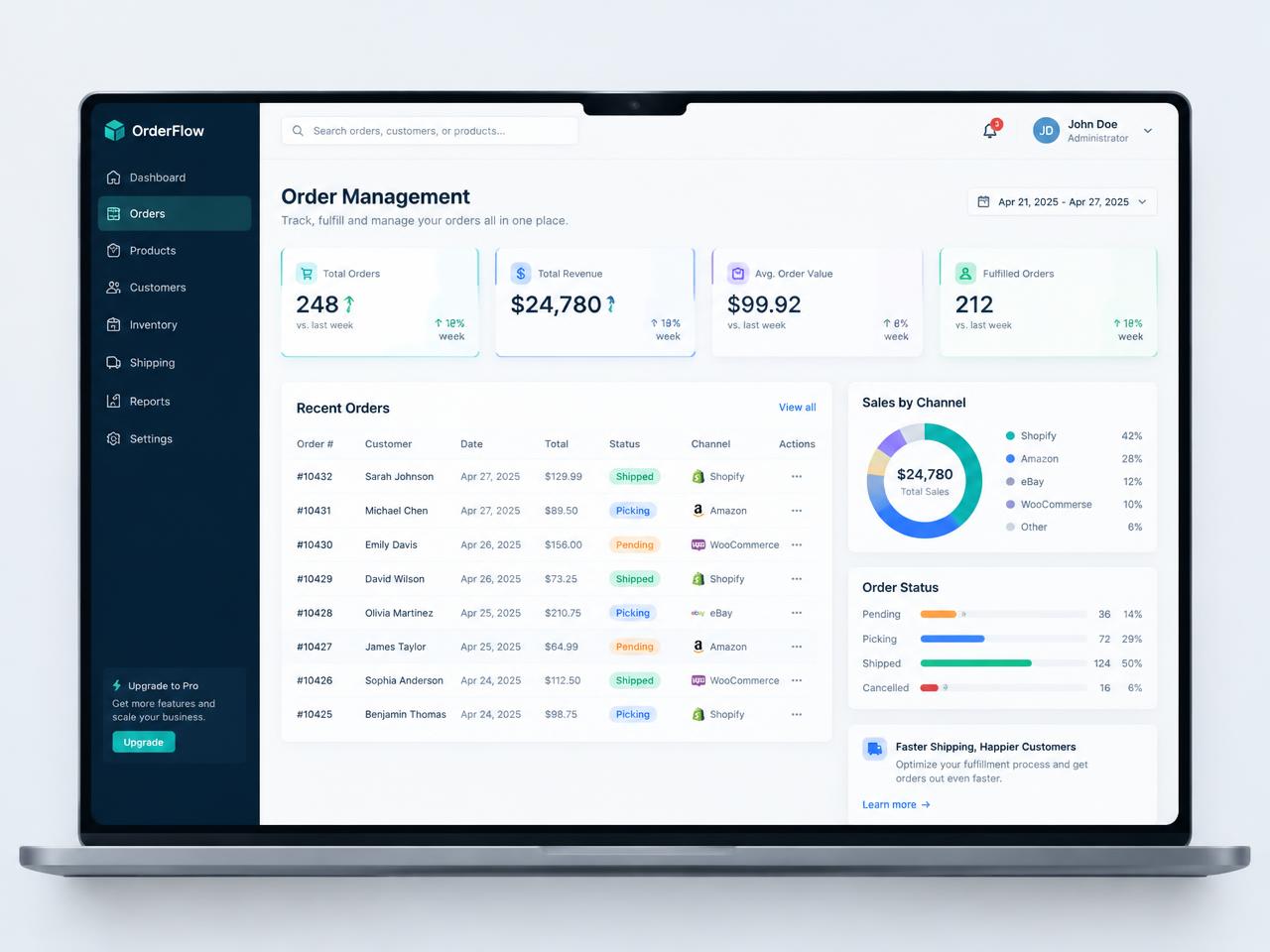
Orders grouped by stage so your team always knows what to pick, pack or chase next.
Track new, packing, shipped and delayed orders across every channel and warehouse, with stock levels updating as you work.
1 view
for all channels and warehouses
40%
less time spent hunting for order status
Real time
stock and order updates
Orders grouped by stage so your team always knows what to pick, pack or chase next.
Slice by channel, warehouse, courier, customer or date in a click and save your favourite views.
Get flagged when an order is stuck, out of stock or close to missing its dispatch promise.
Courier tracking numbers and delivery status appear right beside each order.
See average time from order to dispatch and spot the bottlenecks slowing you down.
Assign orders to pickers and packers and see who has capacity right now.
INVENTORY
Connect receiving, storage, picking and dispatch with live inventory.
AI AND AUTOMATION
Turn order documents into validated orders with AI assistance.
SALES AND ACCOUNTING
Connect purchases, sales and inventory with your financial records.